0%
← All projectsBrowser extension · Case study

Auto Refresh

Keeps any tab live on its own schedule.

Industry
Everyday users
Service
Browser extension
Role
Product design and build
Auto Refresh: Home page with the live countdownAuto Refresh: Built for people who watch pages for a livingAuto Refresh: Random intervals, jitter and timers that survive sleepAuto Refresh: Time zone, sync, shortcuts and privacy
Watch it in motion
The challenge

Why it was built.

Dashboards, queues and ticket pages need refreshing on a schedule — and perfectly timed reloads look robotic to the sites being watched.

What it had to do

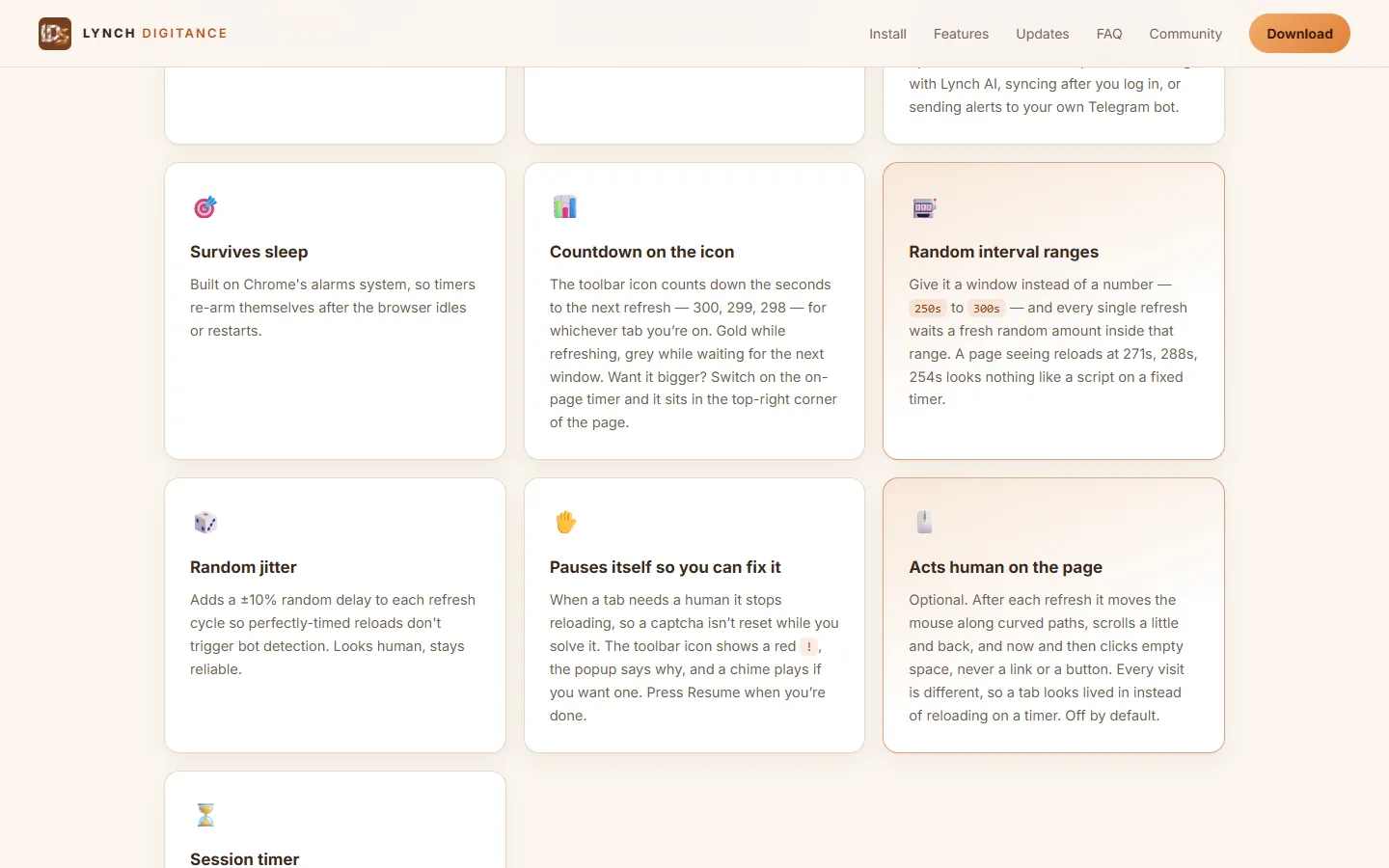
Refresh on a schedule, not just an interval

Look human, not automated

Survive browser restarts

How it was built

Step by step.

1

Time windows

Up to seven daily windows, so it can run 3–5am and 7am–noon and sleep in between.

2

Random intervals

Each cycle waits a fresh random time inside a range.

3

Plain-English setup

A built-in assistant changes settings from a sentence.

See it

The real thing.

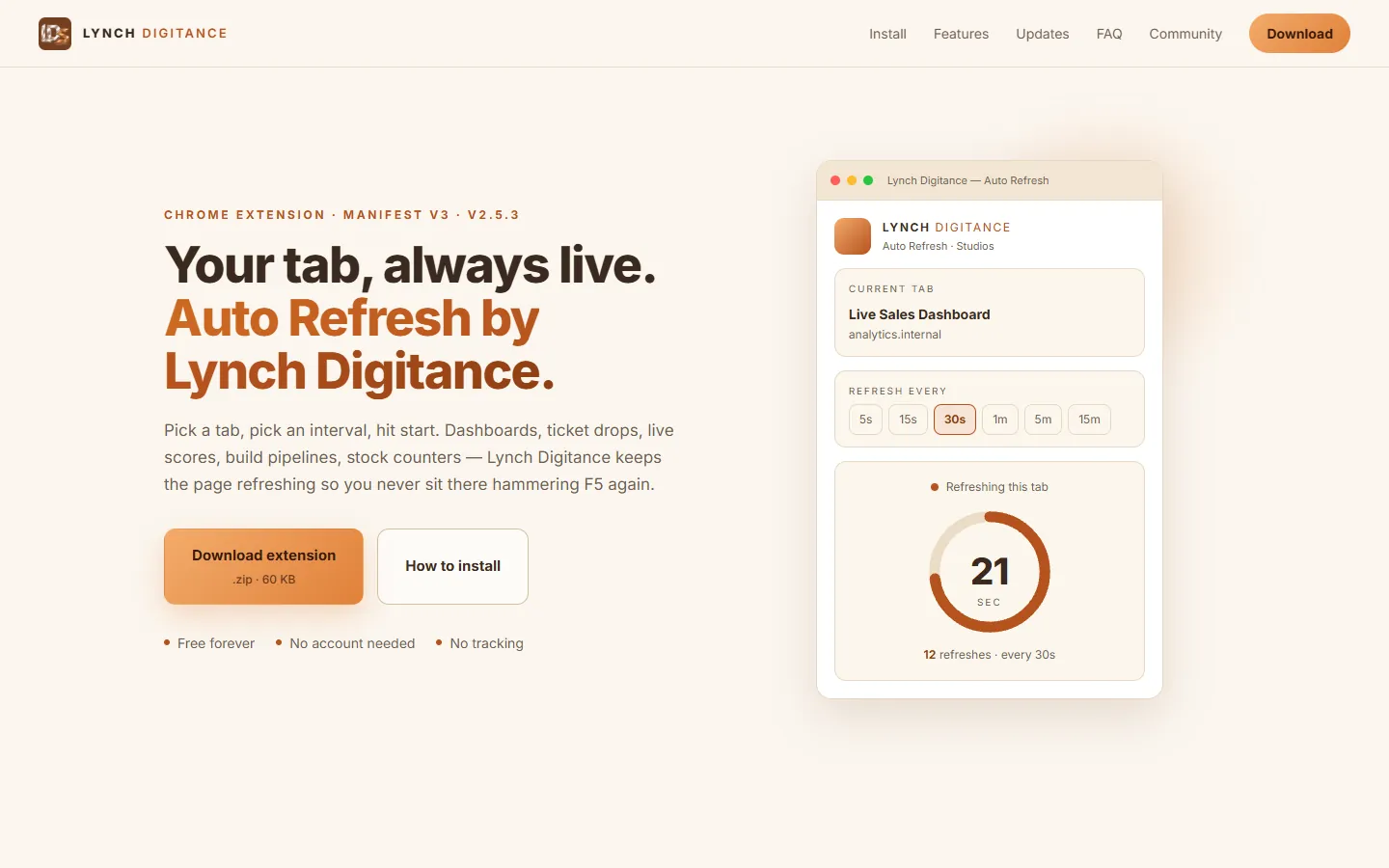
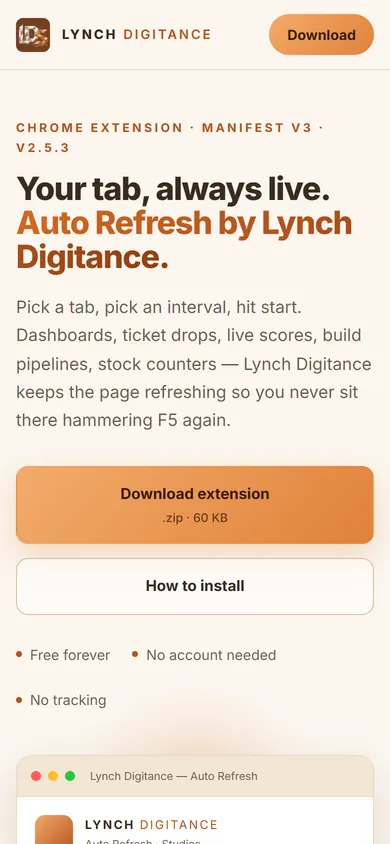
Auto Refresh: Home page with the live countdown
Home page with the live countdown
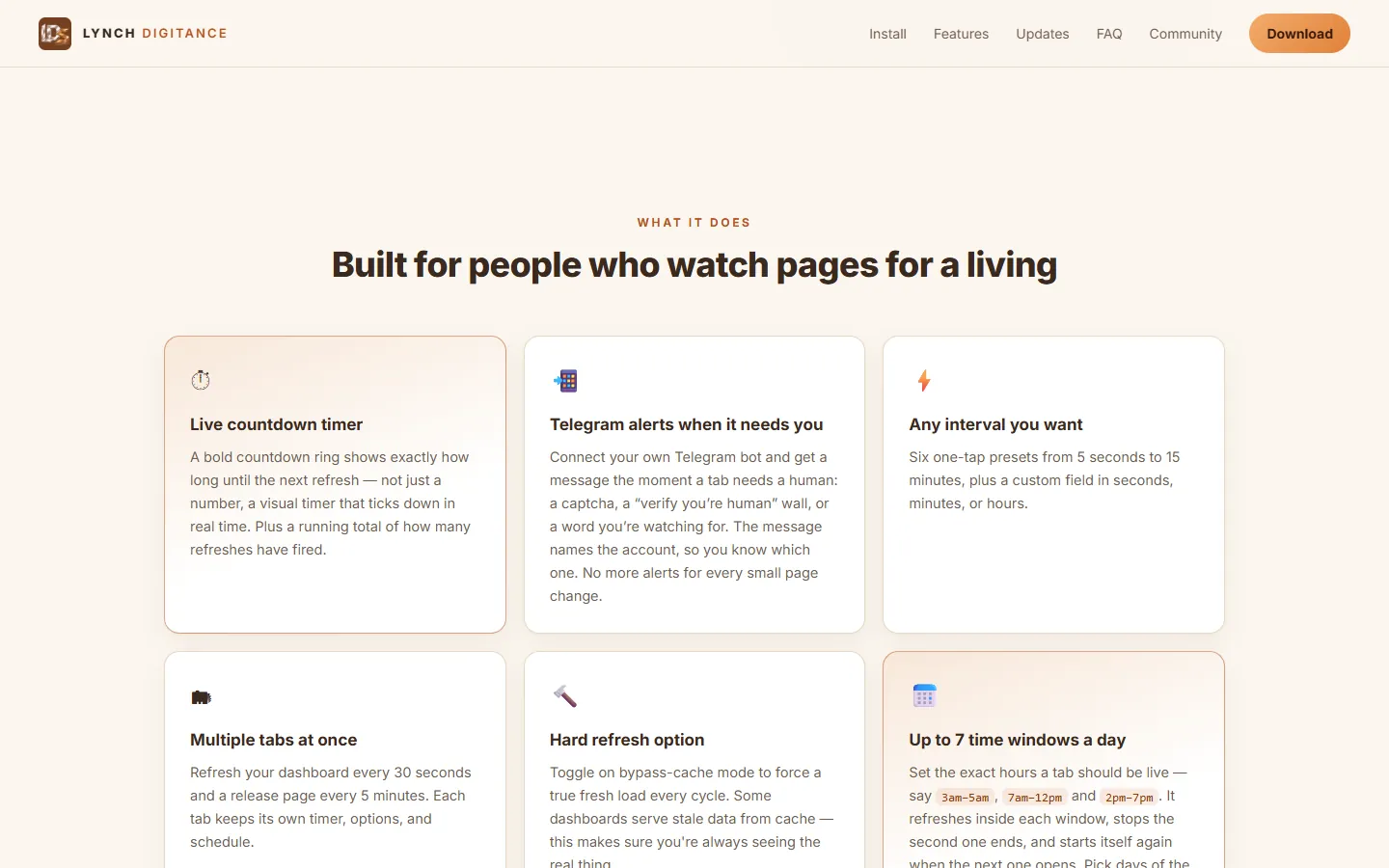
Auto Refresh: What it does
What it does
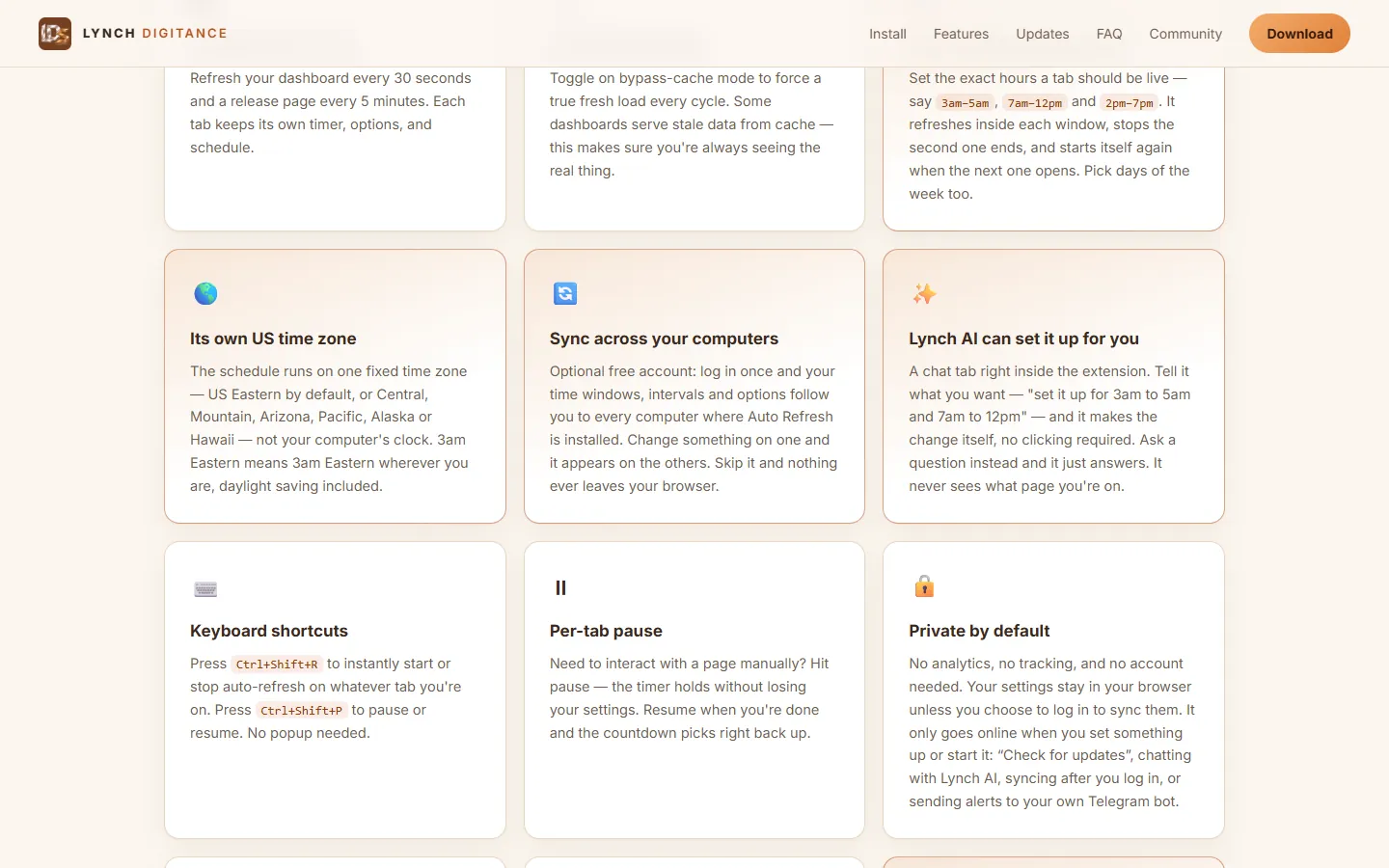
Auto Refresh: Time zone, sync, shortcuts and privacy
Time zone, sync, shortcuts and privacy
Auto Refresh: Random intervals, jitter and timers that survive sleep
Random intervals, jitter and timers that survive sleep
Explore the real site right hereOpen in a new tab ↗
What was built

Everything inside.

01

Per-tab timers that survive restarts

02

Daily time windows

03

Randomised intervals

04

Built-in AI assistant

Chrome ExtensionsJavaScript
The result

A set-and-forget refresher for dashboards, queues and live pages.

7Daily time windows, at most
3Design goals
1Sentence to change a setting
More projects

Keep looking.

Back to the full portfolio →
Say hello

Want something like this?

Leave your email or WhatsApp number and one line about what you want built. I reply personally, usually within 24 hours. No spam.

Your details stay with me and are never sold. Privacy policy