Telegram alerts✦Buyer briefs✦Several accounts✦Read-only by default✦Reply from your phone✦Free forever✦
The challenge
Why it was built.
Fiverr’s own email alerts can arrive hours late, long after a buyer has messaged another seller. Sellers who cannot watch the inbox all day lose orders to whoever answers first, and buyer briefs never appear in the inbox at all, only in the notifications panel.
What it had to do
Alert in seconds, not hours
Never miss a buyer brief
Cover several accounts with one Telegram bot
Stay read-only and safe by default
How it was built
Step by step.
1
Three signals
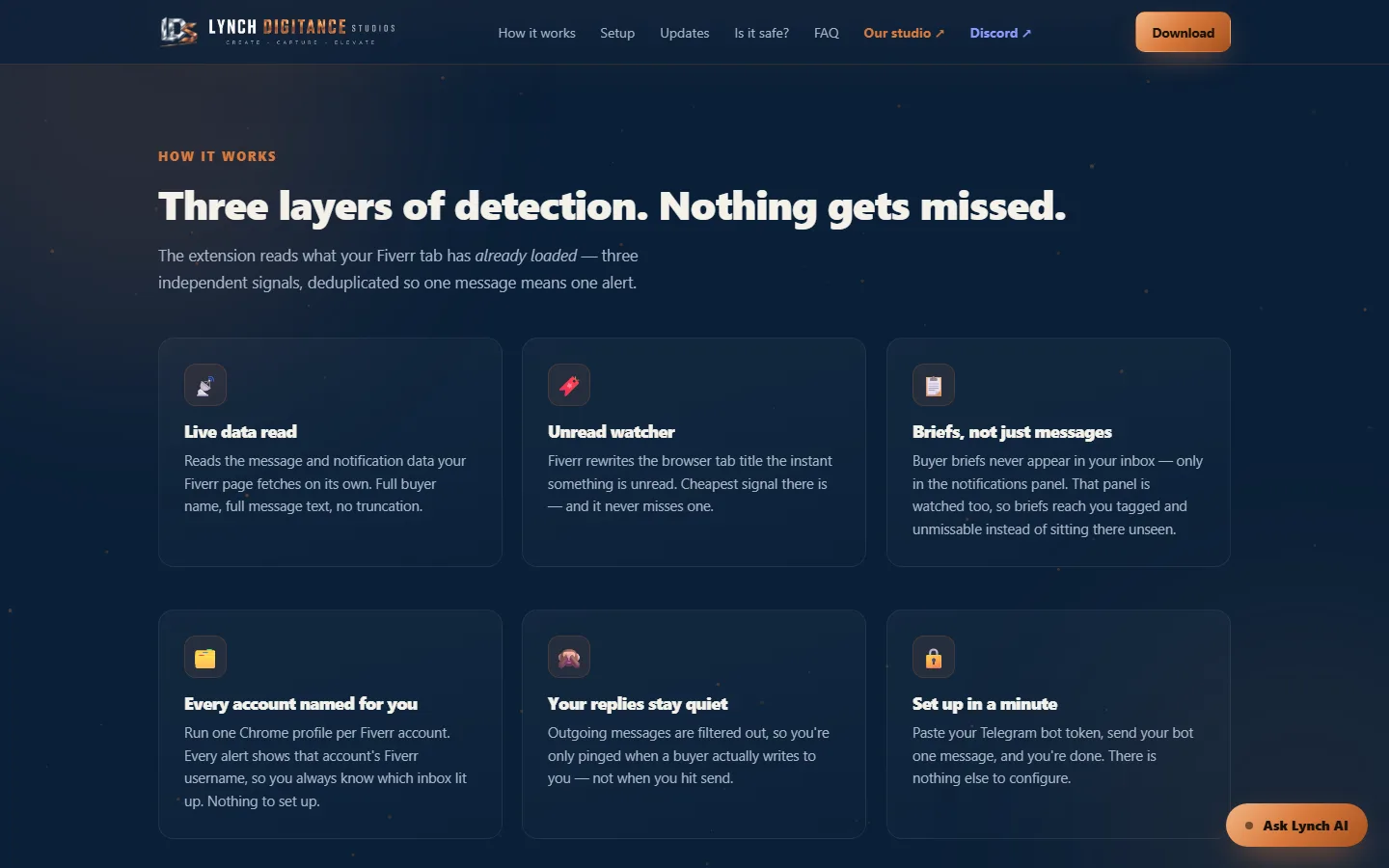
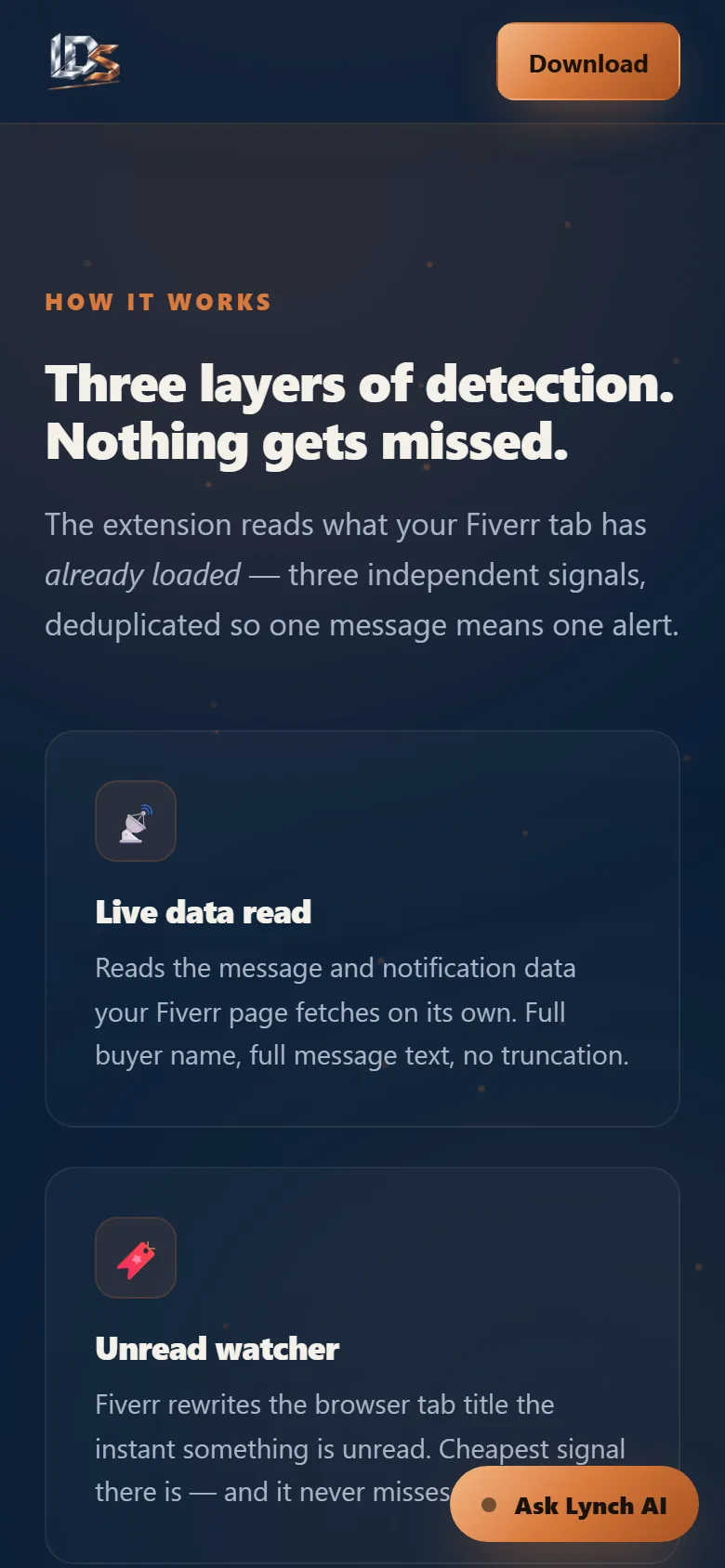
It reads the data the Fiverr page already loads, the unread flag in the tab title and the notifications panel, then removes duplicates so one message is one alert.
2
One bot, many accounts
Every alert names the Fiverr account it came from, so a single Telegram bot can cover a whole set of browser profiles.
3
Read-only by default
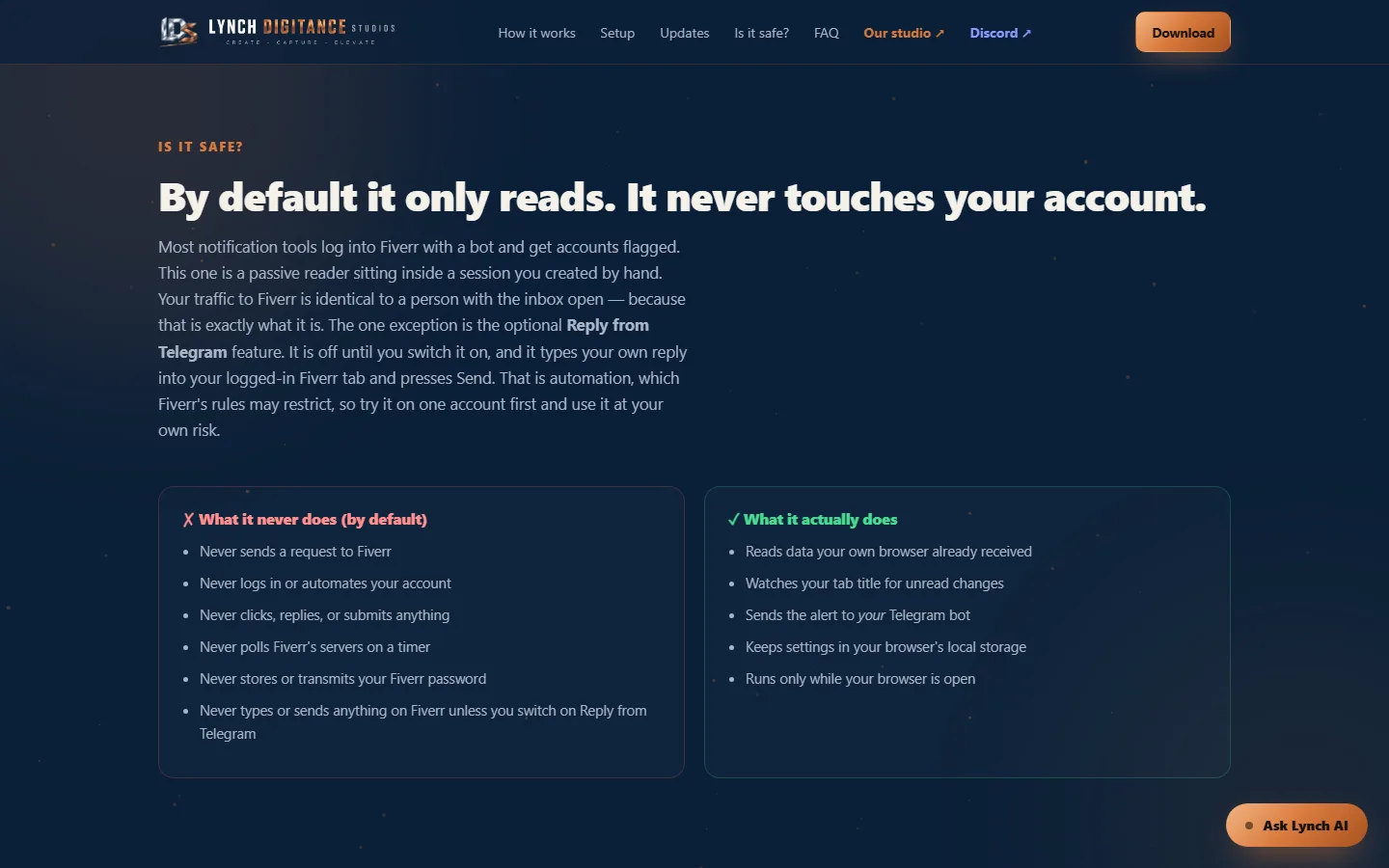
It only reads your open Fiverr tab and never touches your account. Replying from Telegram is a separate switch that stays off until you turn it on.
4
Answer from the phone
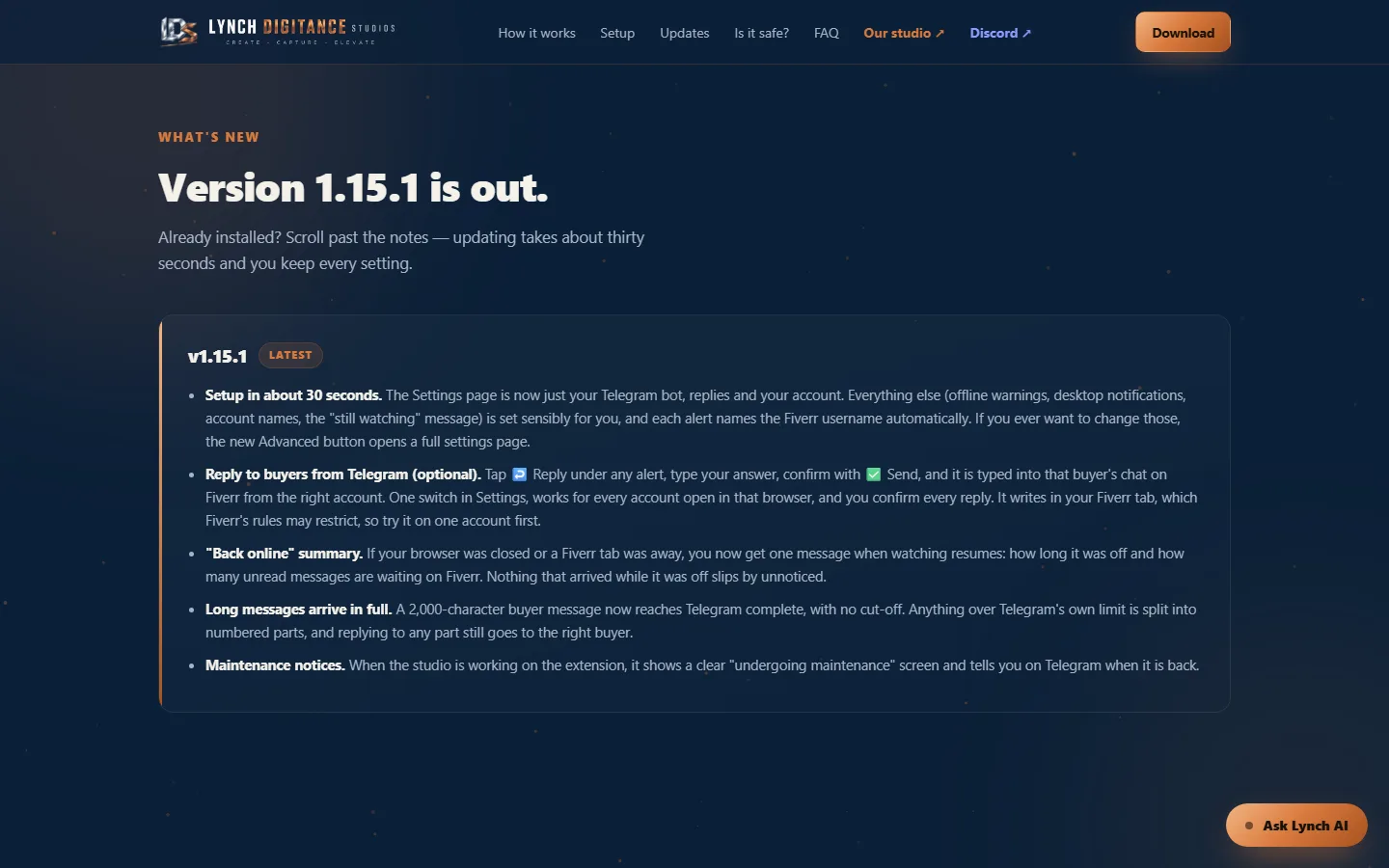
Swipe-reply to an alert, confirm with Send, and the answer is typed into that buyer’s chat from the right account.
See it
The real thing.
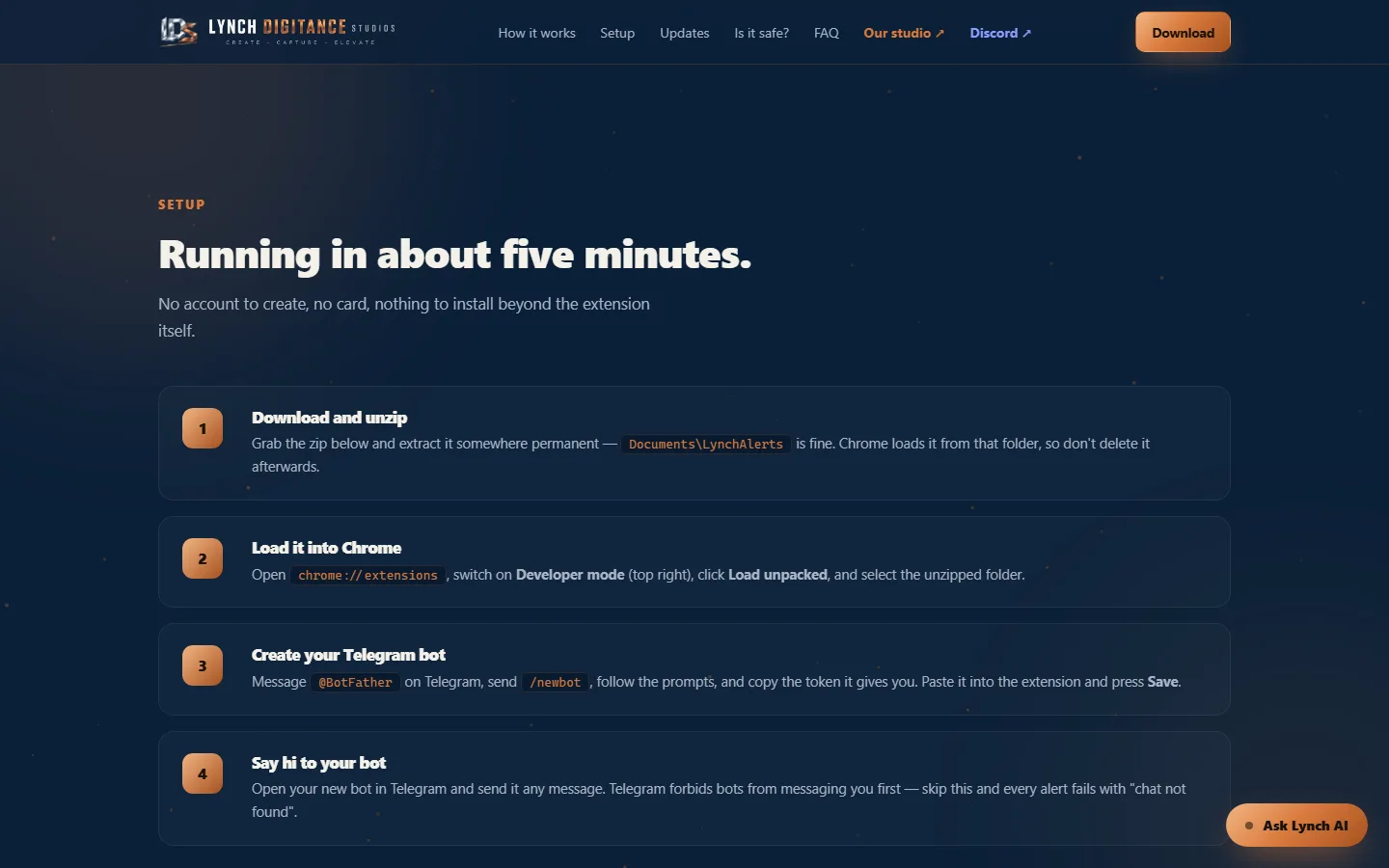
How it detects new messagesWhat it does, and what it never doesSet up in about five minutesThe update notes
A free extension that puts Fiverr messages on a seller’s phone in seconds, set up in about five minutes. It is live for Chrome and Edge, runs several accounts at once, and has shipped regular updates since launch, the latest adding optional reply-from-Telegram.